Saaro — Demo
See how chapter-level control changes what it means to listen.
What you're looking at
Saaro reframes podcasts around chapters instead of episodes. The home screen surfaces Continue Listening (your active queue, with chapter-level state) and Latest Episodes (your curated feed that bumps anything you've recently engaged with). Tap any episode to plan your listen — skip what you don't want, queue what you do — then play.
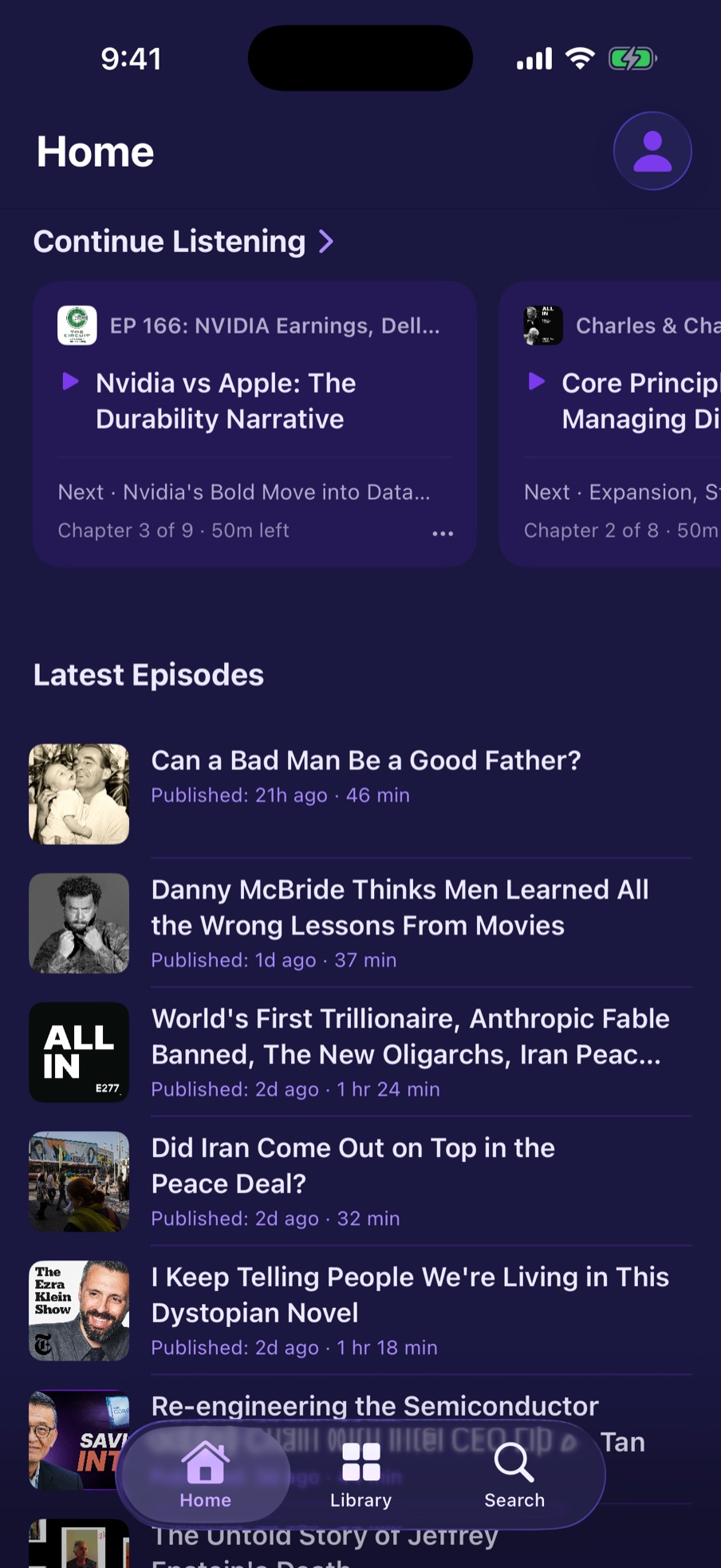
Home screen: your active queue and curated feed, side by side.

Episode page: swipe through chapter cards before you commit to listening.

Planning view: read the summary, check the tags, decide what to play.

While playing: the next chapter is always one glance away.